
What does the dashboard show an officer?
A Kenyan desk usually opens the day by asking who is in arrears and what came in since yesterday. The dashboard uses period presets: Today, Yesterday, This week, Last week, This month, Last month, This year, and a custom range. Weeks are Monday to Sunday, Africa/Nairobi.
The figures are borrowers, arrears, payments in the period, and outstanding. Portfolio health compares the amount due on loans in that period with the amount applied to those loans. Unallocated cash does not raise the score, and the rate never goes above 100%. “Paid in this period” can still show all cash received, including money that is not yet on a loan.
Admins also see a branch summary. The page lists recent payments and the top arrears. Before a bulk reminder is sent, the office gets a preview of who will receive which SMS.
What is on a borrower file?
The file is the client the officer actually knows: names, phone, national ID, occupation, town, branch, officer, collateral, a link to photos, notes, and the loan cycle. Guarantors are stored with name, phone, and ID number. Search is by phone or national ID, which is the same number the borrower should type as the Paybill account.
If the borrower has paid more than the instalments and penalties, the extra sits as a credit balance on the file. Adding a new loan does not spend that credit by itself. Tabs on the file are overview, loans, payments, and activity (notes plus the reminder log). The list exports to CSV.
How are loan products and schedules set?
A product has a minimum and maximum, a monthly interest percent, a term in days, a frequency of daily, weekly, or monthly, and a processing fee percent. The loan itself records purpose, notes, and an application date, including a date in the past when the office is entering an older book.
A new loan is pending until an admin approves or rejects it. The statement lists instalments and penalty rows, and it prints or saves as PDF. Loans export to CSV. Rejected loans stay on the file and do not grow a schedule.
Instalments divide the full amount to repay across real due dates. Monthly means every 30 days. The last instalment carries any leftover cents so the schedule adds up.
Which payments can staff record?
Staff record cash, M-PESA, cheque, and bank deposit. The payment date the officer enters is kept. It is not overwritten to today. Each payment shows coverage: which instalments and which penalty charges it paid. Staff can filter to unallocated receipts, allocate an unmatched M-PESA payment onto a loan, and delete a payment, which reverses it off the loan. Payments export to CSV.
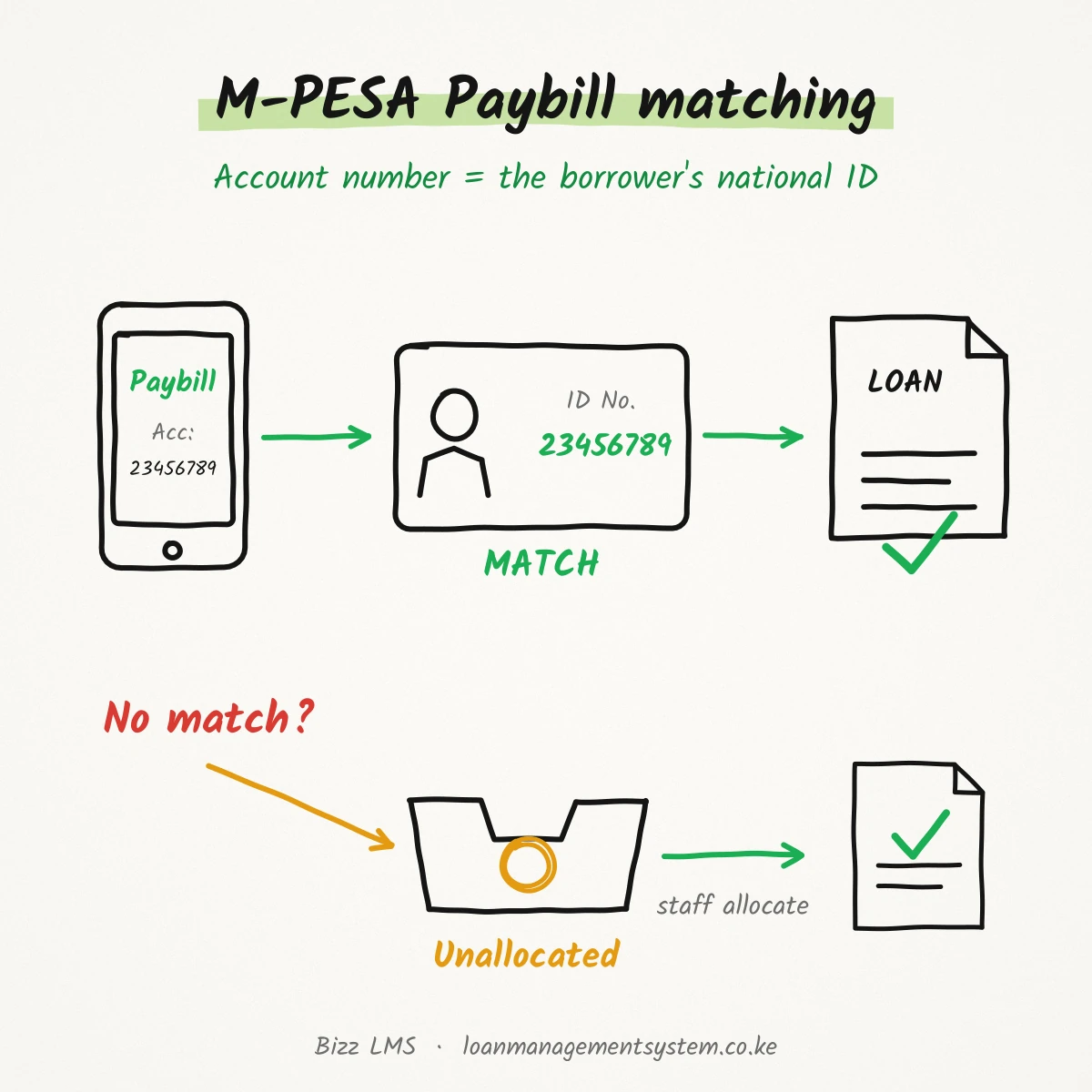
Paybill money follows the same split once it is matched or allocated. Read M-PESA Paybill matching on national ID for the account rule and the unallocated queue.
How do collections and reminders work?
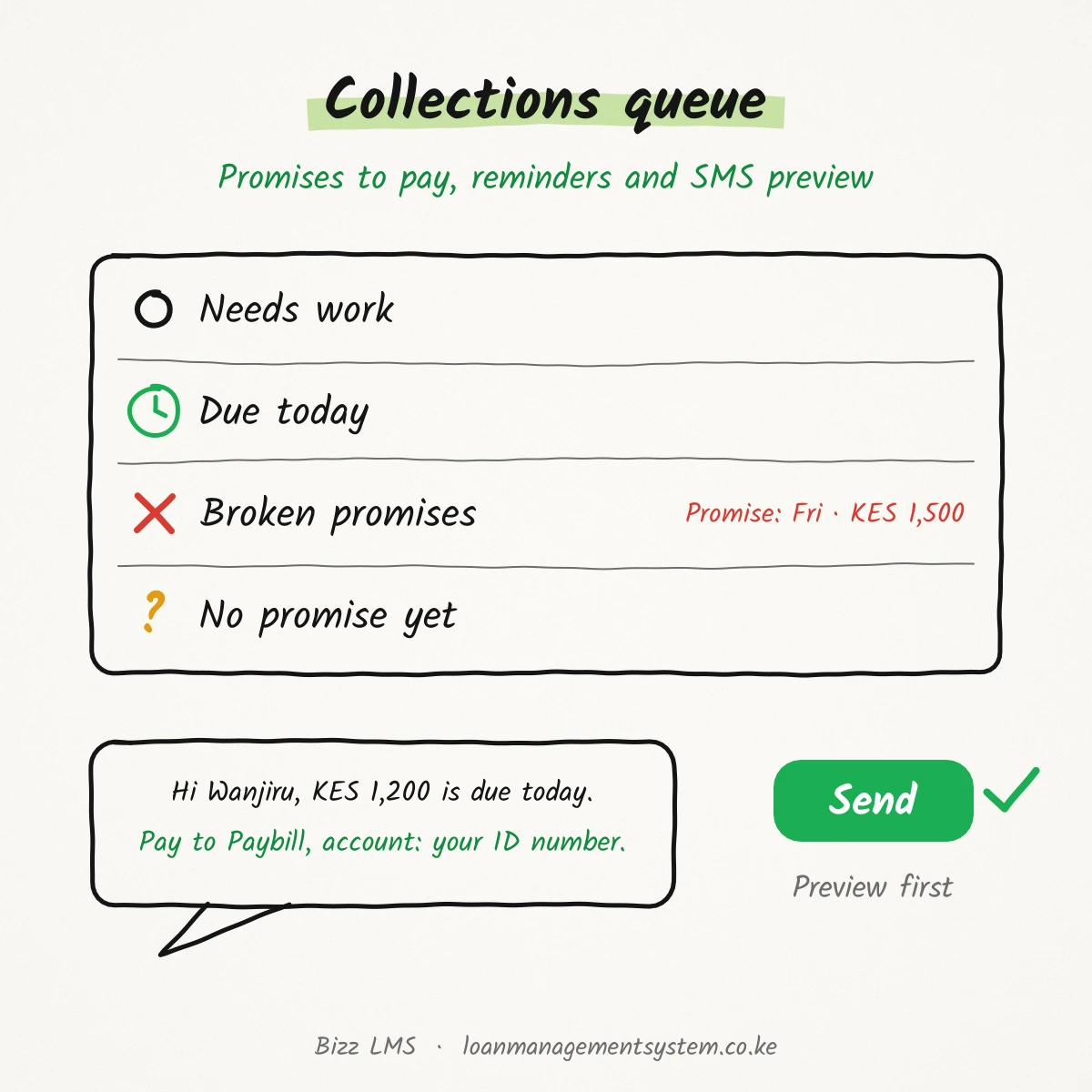
The arrears list is overdue instalments plus unpaid penalty. Queues are Needs work, Today, Broken promises, No promise, Upcoming, and All. An officer records a promise to pay with a follow-up date and an amount. Bulk SMS uses a preview wizard. Providers are Ujumbe and Tilil. The full note is on loan collections, arrears, and SMS reminders.
Who approves a loan, and can they comment without deciding?
Admins approve, reject, or leave a comment without a decision. The comment thread stays on the loan. Officers can read it. Only admins post. That keeps the argument about a file in one place instead of in a separate chat.
Admin setup covers branches (name and town), loan officers, loan products, admin users, granting or revoking admin, office-wide settings, and the audit trail. An officer can be granted admin when the same person runs the desk and the books.
What do admins export at month-end?
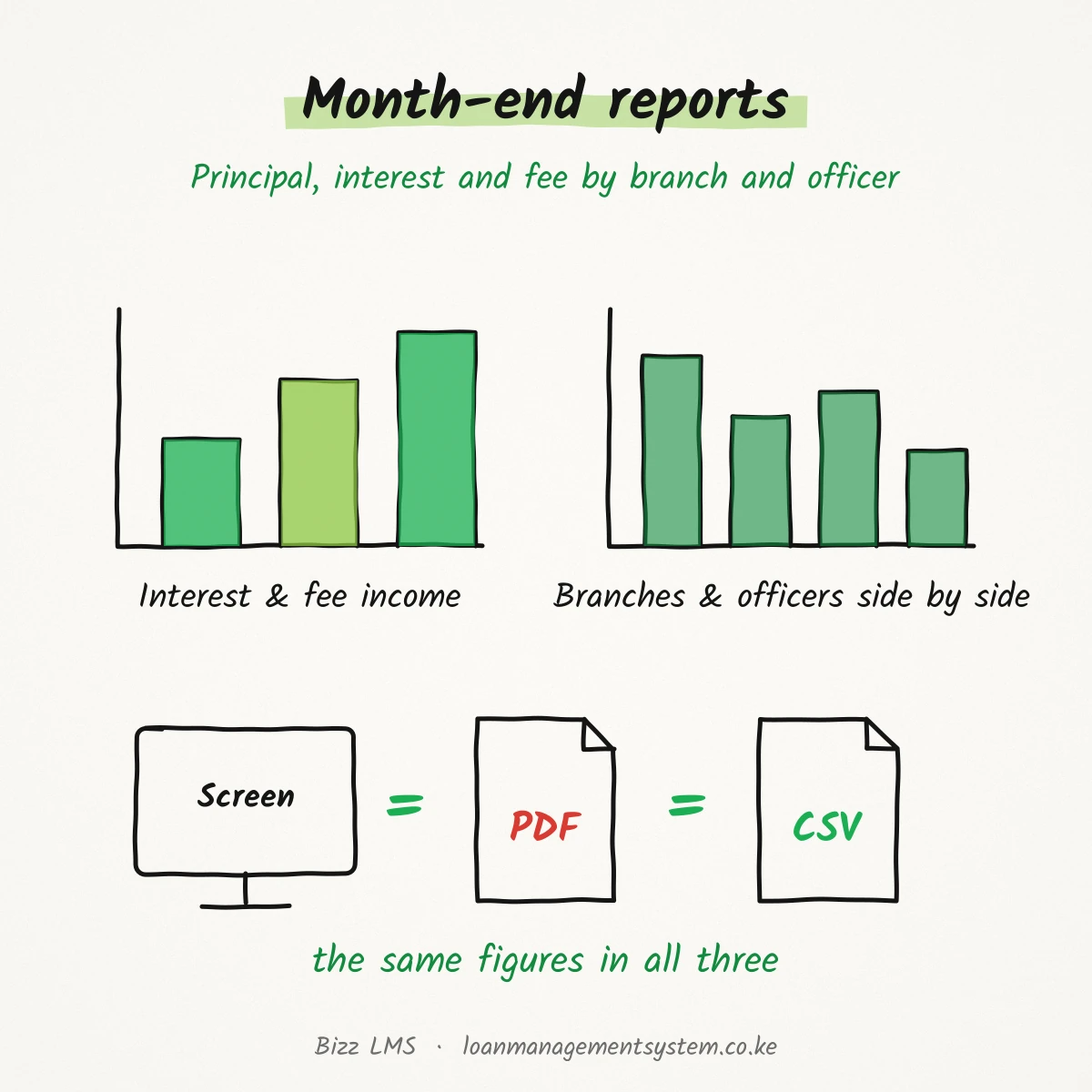
Reports cover interest and fee income, a loan officer comparison, a branch comparison, one officer, and one branch. Each view is on screen, in PDF, and in CSV, with the same principal, interest, and fee figures. See loan reports for interest, fees, officers, and branches.
What can an admin change for the whole office?
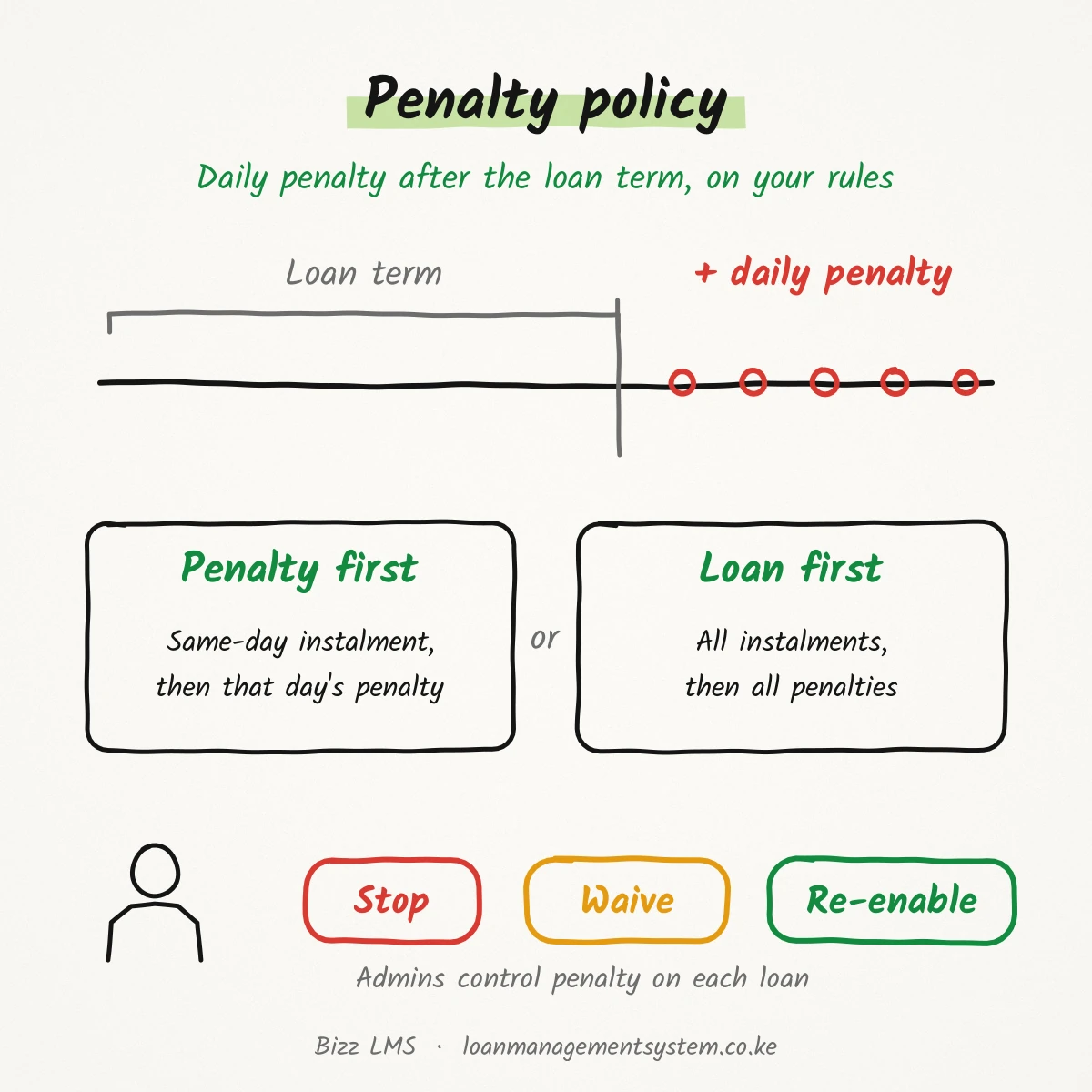
Settings hold the penalty switch, the deduction order, SMS templates, and the sender ID. Template tokens are {name}, {amount}, {balance}, {phone}, {reference}, and {id}. The audit trail records actions such as payments, allocations, loans, and settings changes. Penalty behaviour is described on loan penalty tracking.
How does the lending math work?
Interest equals principal times the monthly rate divided by 100, on principal only, not on the fee. The processing fee equals principal times the fee rate divided by 100. If the fee is included, it joins the total to repay and the instalments. If it is paid upfront, it is shown and is not on the schedule. Interest is still on the full principal. Payments split across principal, interest, and any fee that sits on the schedule. Balance is total minus paid, and unpaid penalty is included wherever totals are shown.
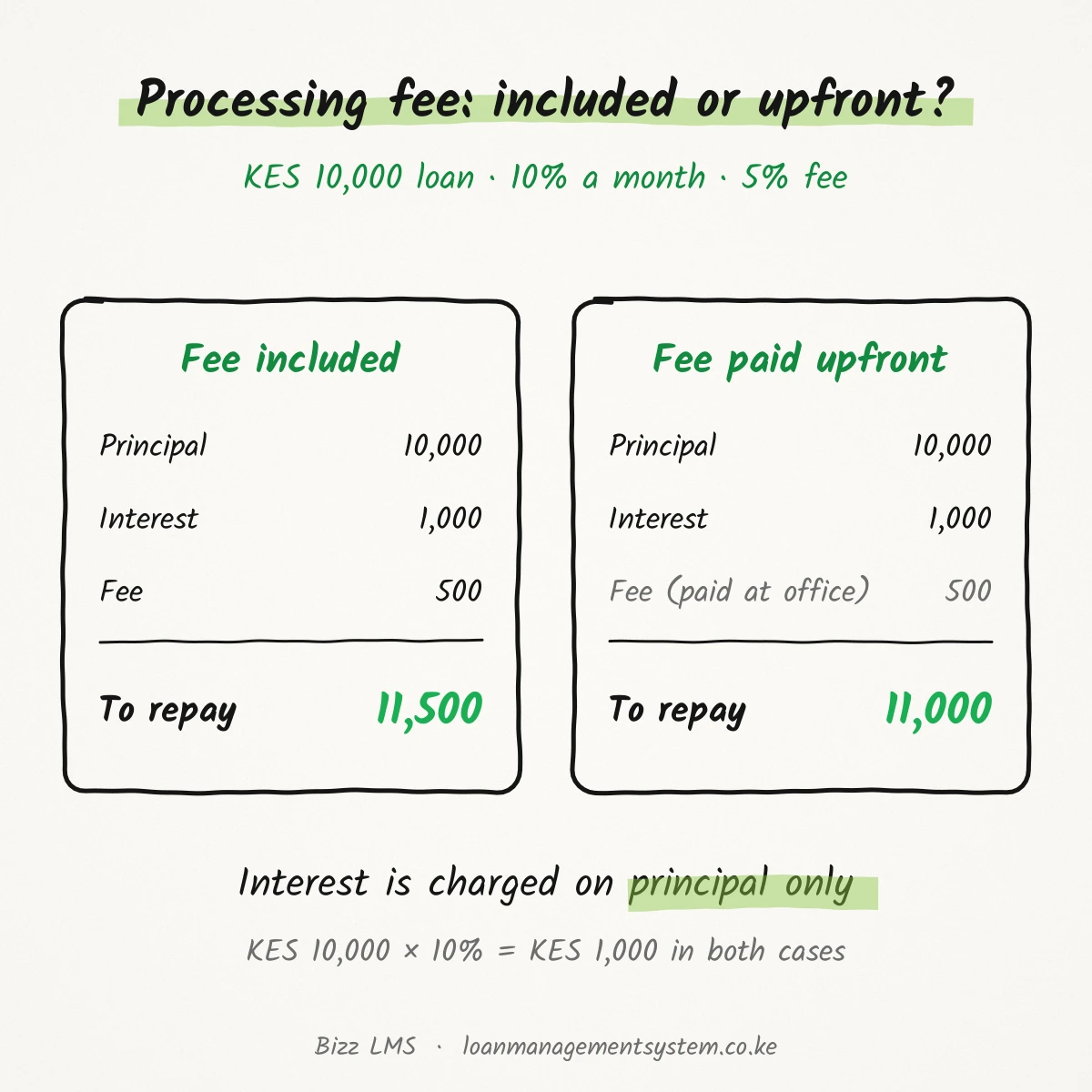
| Line | Fee included in the loan | Fee paid upfront |
|---|---|---|
| Principal | 10,000.00 | 10,000.00 |
| Interest | 1,000.00 | 1,000.00 |
| Processing fee | 500.00 | 500.00 (shown, not on the loan) |
| Total to repay | 11,500.00 | 11,000.00 |
| Paid | 3,000.00 | 3,000.00 |
| Principal paid | 2,608.70 | 2,727.27 |
| Interest paid | 260.87 | 272.73 |
| Fee paid (on schedule) | 130.43 | 0.00 |
| Balance | 8,500.00 | 8,000.00 |
Read the included-versus-upfront fee note and how daily, weekly, and monthly instalments are split. Try one loan on the loan calculator.
Offices that need savings and shares should look at a SACCO core system. Offices that need a staff book on Paybill can compare capabilities and see the KES 49,999 price.