
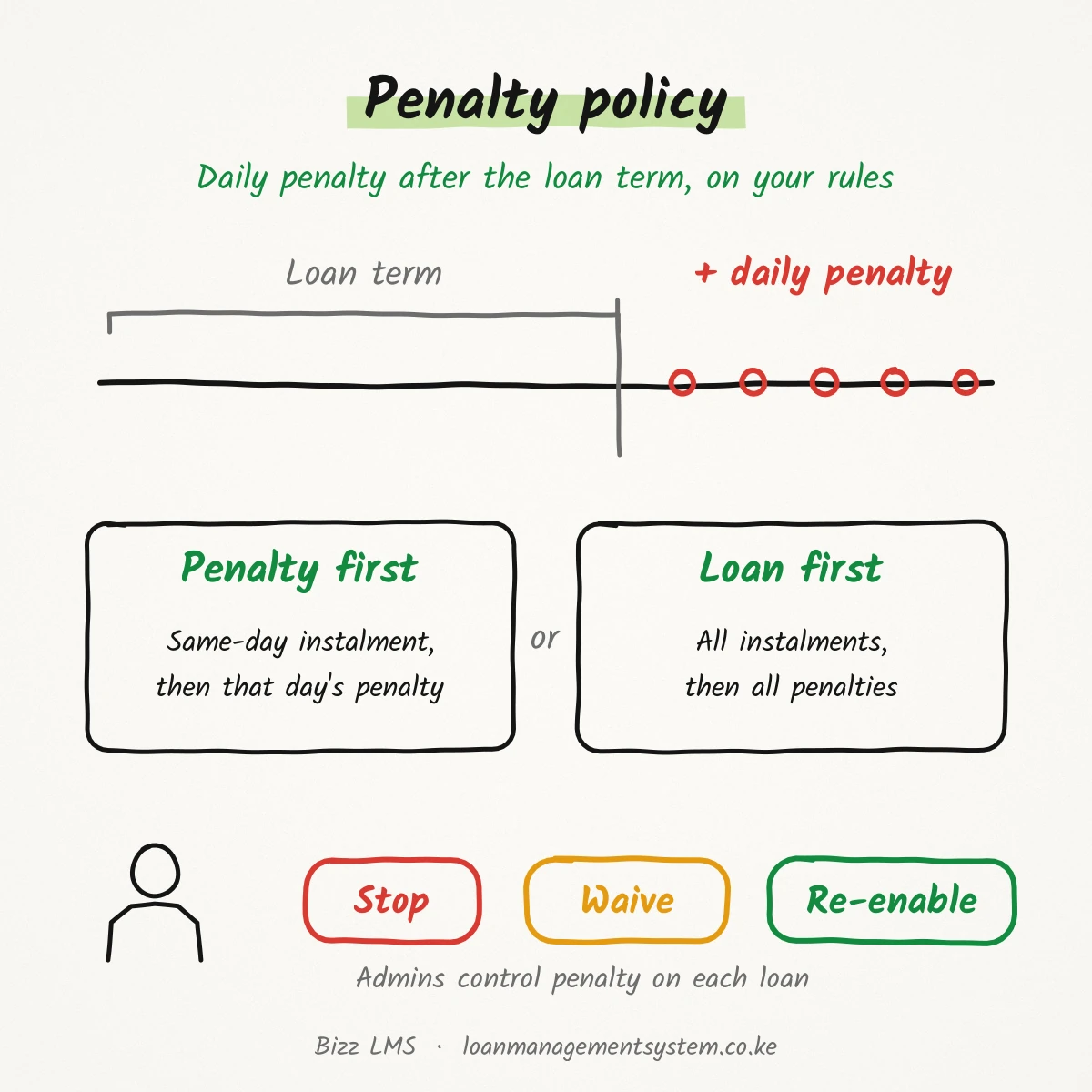
When does a penalty charge appear?
Penalties follow office policy, not a rate printed on this website. The office can turn them off. When they are on, daily penalty charges start after the term, and grace options can delay the first charge. New daily charges stop once the instalments are fully paid. The loan stays open until the penalty itself is paid.
Each charge behaves like an instalment row: total, paid, and unpaid. Unpaid penalty is included in balances and arrears everywhere totals are shown. A statement prints instalments and penalty rows together.
What is penalty-first compared with loan-first?
Display and deduction order follows a setting. Penalty first means the same-day instalment, then that day’s penalty. Loan first means all instalments, then all penalties. Staff do not keep a second spreadsheet to remember which order the office chose.
Admins can stop penalty on a loan, waive it, or turn it back on. Officers still see the rows on the loans they own. They do not change the office-wide switch unless they have been granted admin.
A payment, whether typed at the desk or matched from Paybill, follows that order. Read how to write a penalty policy the system can run and how unpaid penalty sits in the collections queues.