
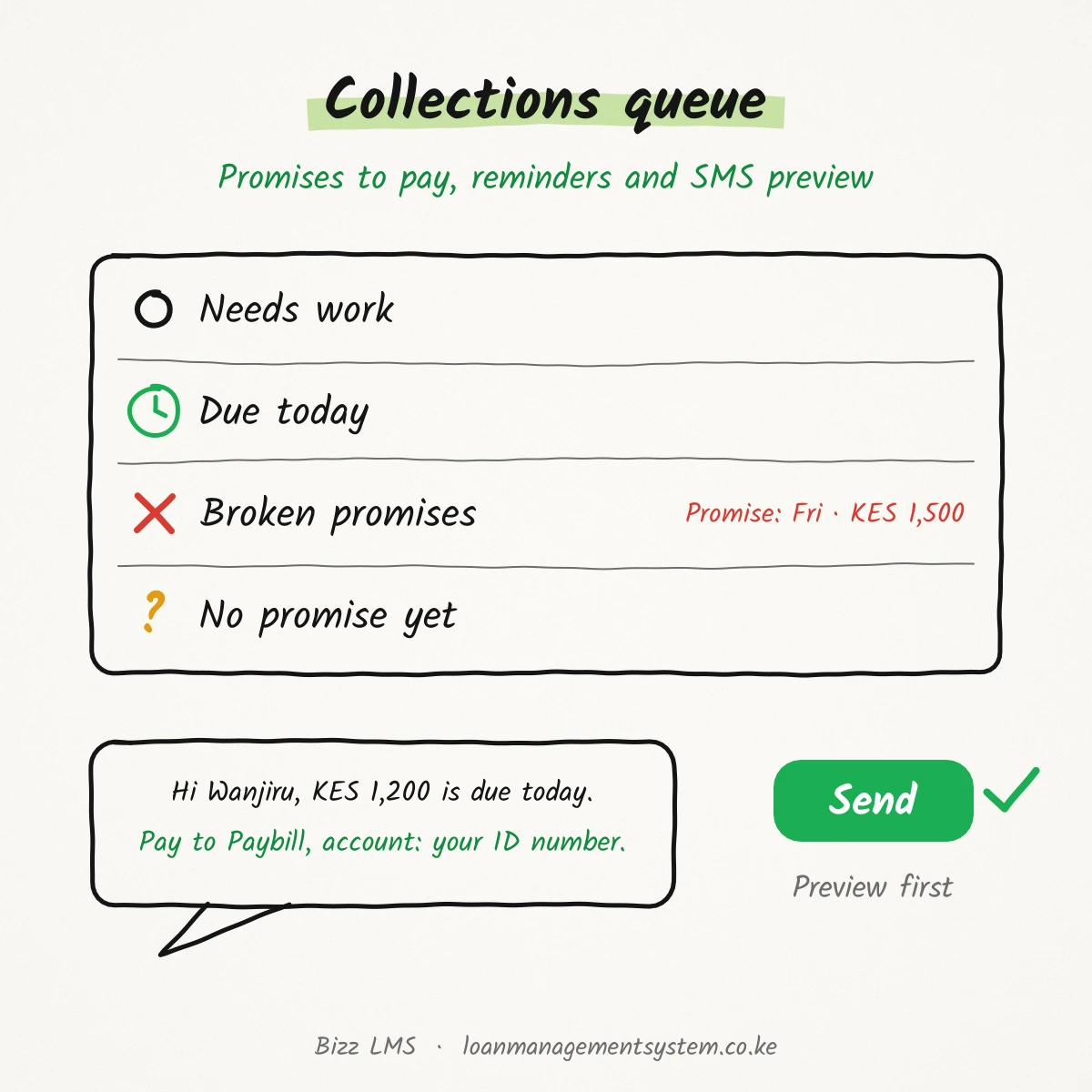
Which queue should an officer open?
A single “arrears” pile hides the work. Bizz LMS splits it so Monday morning is a list of actions, not a sort the officer rebuilds in a notebook.
| Queue | What it is for |
|---|---|
| Needs work | Overdue items that still need a call, a visit note, or a new promise. |
| Today | Follow-ups dated today, including promises that fall due this morning. |
| Broken promises | A promised amount and date that passed without the payment. |
| No promise | Arrears with no follow-up date on the file yet. |
| Upcoming | Promises and dues still ahead of today. |
| All | The full arrears list: overdue instalments plus unpaid penalty. |
A promise to pay stores a follow-up date and an amount. When that date passes unpaid, the row can sit in Broken promises instead of looking like a fresh arrears case.
What happens before an SMS is sent?
Bulk reminders use a preview wizard. The office sees who will receive what, then sends. Templates live in Settings. Tokens are {name}, {amount}, {balance}, {phone},{reference}, and {id}. The message should tell the borrower to use the office Paybill and their ID number as the account.
Providers are Ujumbe and Tilil. The sender ID comes from Settings. Kenyan numbers are sent as 254…. A payment acknowledgement SMS goes out after an office payment and after an M-PESA confirmation. The reminder log sits on the borrower activity tab with the notes.
Officers see arrears for their own borrowers. Admins see across the office and can still open income and branch reports when the queue is not the question. Penalty rows that remain unpaid stay in the arrears totals. See how penalty charges are tracked and the longer note on microfinance collections and SMS reminders.