
Reports
Loan Income Reports: Principal, Interest, Fees
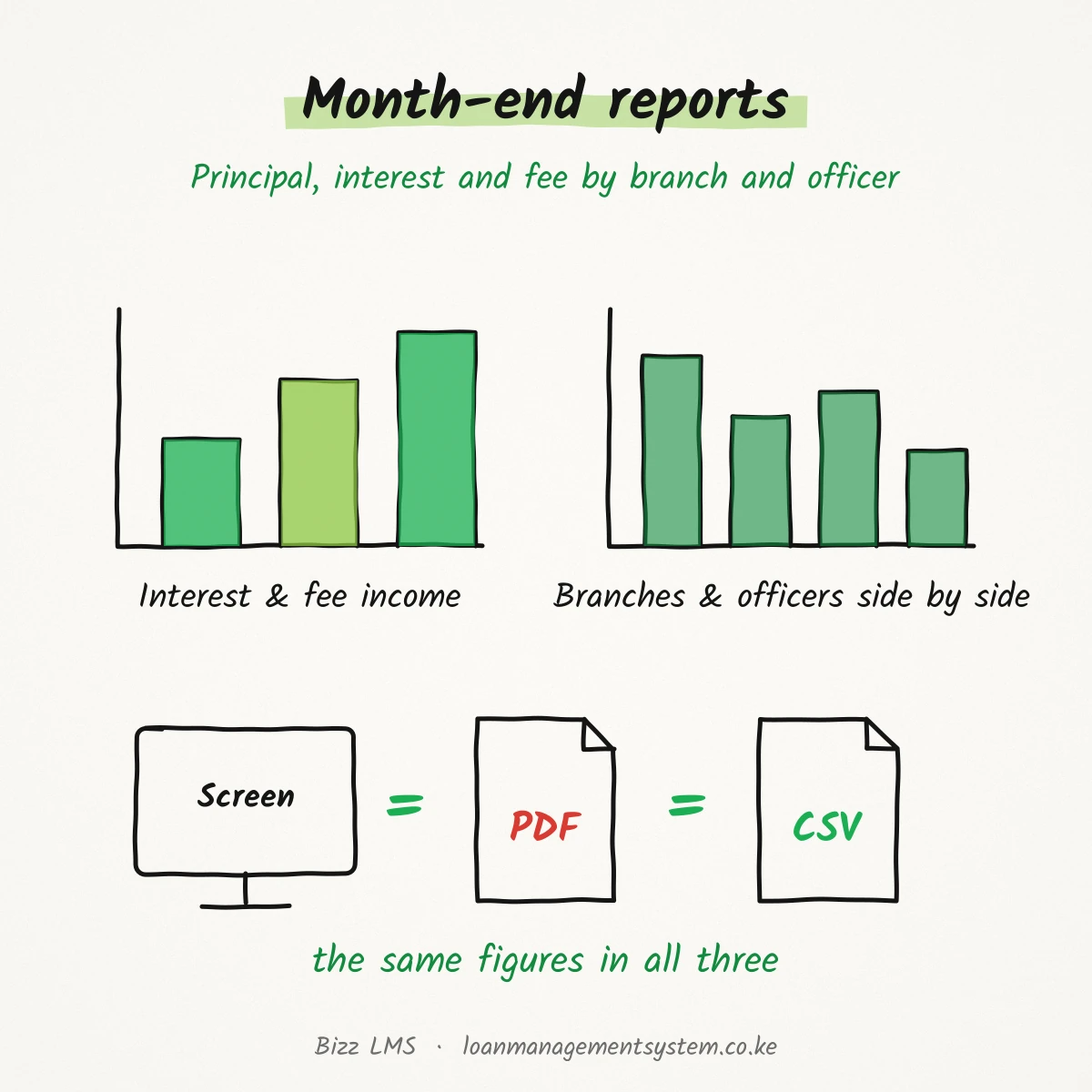
Month-end in a Kenyan lending office fails when “collected” is treated as income. Principal came back. That is not profit. Interest was earned. The processing fee was earned, either inside the instalments or at the desk when the loan was booked. Admins need those figures apart, for the whole office, for one branch, and for one loan officer. Bizz LMS puts them on screen, in PDF, and in CSV, and the three outputs use the same numbers.
This is an admin report. It is not the officer’s arrears list, and it is not a set of accounts you could file as a trial balance. There is no general ledger in the product. Take the CSV to whatever books you already keep.
The questions the report has to answer
Interest and fee income: what did the office earn in the period, separate from principal repayment.
Loan officer comparison: which officer’s book produced which principal, interest, and fee, on the same definitions, so a conversation about performance is not a conversation about different spreadsheets.
Branch comparison: the same split by branch. A branch is a name and a town in the setup. The report is only as clean as that list.
One officer, or one branch: when a comparison row needs to be opened and read without the others crowding it.
If you cannot point at those five and get the same story from the PDF someone printed and the CSV someone mailed, you do not have a month-end. You have a formatting argument. The product’s job is to refuse that argument by using one split.
Where the figures come from
Interest on a loan is principal times the monthly rate, on principal only. The processing fee is principal times the fee rate. When the fee is included, payments over time carry a fee portion. When the fee is upfront, the schedule’s payments carry principal and interest, and the fee was shown at booking rather than inside the instalments. The KES 10,000 example, with KES 3,000 paid, is in included versus upfront fees. A report that blended those two methods into “charges” would hide the choice you made on the product.
Penalty is not interest and it is not the processing fee. Unpaid penalty sits in balances and arrears. Do not rename it to fee income because it is convenient. If you waived it, the waive is an admin act, visible in the way the loan now reads, with the audit trail beside it. The income report should not be asked to invent a penalty percent the office never set.
Unallocated Paybill receipts are cash that is not on a loan yet. They must not show up as interest. They must not improve portfolio health. Portfolio health is a dashboard ratio: for instalments and penalty charges due in the selected period, what portion of the expected amount was actually applied to those rows. It never exceeds 100%. “Paid in this period” on the dashboard can still show all cash, including unmatched cash. Teach the admin to say which of the three they are reading: income split, portfolio health, or cash received. They are not synonyms.
Who is allowed to open it
Loan officers see their own borrowers, loans, payments, arrears, and dashboard. They do not get the office comparison. That is deliberate. A comparison is a management document. If the officer is also the owner, grant them admin. Grant and revoke are settings, not a shared password. Other admin users can be added. The audit trail records actions on payments, allocations, loans, and settings, which is the trail you want when a CSV “changed” between Monday and Tuesday. It did not change inside the export. Someone posted or reversed a payment. Delete on a payment reverses it off the loan. The next export follows the loan, not the earlier PDF you already emailed. Reprint. Do not edit the old PDF by hand and then wonder why the screen disagrees.
Approvals sit upstream. A rejected loan has no schedule, so it has no interest to report. A pending loan is not yet an open approved loan for Paybill to settle. Month-end should not include hopes.
A close you can repeat
Pick the period. Open interest and fee income. Export PDF and CSV. Open the officer comparison and the branch comparison. If a figure is disputed, open that officer or that branch, not a new spreadsheet with new headings. Check unallocated payments before you explain a gap between cash in the Paybill statement and income on the report. The gap is often a receipt whose account was not a national ID.
Then stop. Do not add a column called “miscellaneous” for the things the system already named. If you need shares, dividends, or a member deposit, this report will not grow those columns. Use a core system for that business. Bizz LMS will keep lying by omission if you ask it to be a SACCO ledger, and the omission is the honest part.
The Monday after the period closes
Close the period before you invite opinions. Pick last month, not “this month so far”, unless you are looking at a partial week on purpose. Export the income view and the two comparisons before anyone posts a late payment “to tidy the file”. A payment dated in the closed month, entered on Monday, belongs in that month because the officer date is kept. It will change the export you already sent. That is correct behaviour and a bad habit. If the accountant has already forwarded the PDF, either wait for the next correction note or post the late item with a comment the audit can show. Do not ask the system to pretend the payment was typed on Friday.
Then walk the branches. A town with no loans should not be deleted in a hurry if officers still point at it. Rename carefully. A new branch created on the last day of the month will show a thin comparison row, which is fine. An officer moved between branches mid-month will make both rows look odd. The report is telling you about the loans as they stand, not writing a human-resources history. Say that in the meeting so nobody treats the comparison as a payroll.
Finally, look at unallocated again. A receipt from the evening of the last day often arrives in the Paybill list after the officer has gone home. If it is still unmatched on Monday, it is cash, not income, until someone allocates it to a national ID with an open loan. Leaving it unmatched is better than forcing it onto the wrong borrower to make the PDF match the till. The till and the income report are allowed to differ by exactly that queue.
Read it on a sample, then on your book
Book a demo and ask for the same total on the screen and in the file you download. The short description is loan reports. Every other module that feeds the numbers is on features. The public entry is the best loan management system in Kenya. If you are scoring products before the demo, the test that includes this report is how to judge the best loan management system in Kenya. Bring the month you actually argue about. We reply within 24 hours on business days.
Questions from this note
Do officers see the branch comparison?
Reports are an admin function. Officers see their own borrowers, loans, payments, arrears, and dashboard. An officer granted admin can open the reports.
Can PDF and CSV disagree with the screen?
They should not. Bizz LMS uses the same principal, interest, and fee figures on screen, in PDF, and in CSV.
Is portfolio health the income report?
No. Portfolio health is collected versus expected on instalments and penalties due in the period. It ignores unallocated cash and never exceeds 100%. Income is the interest and fee split.
Does the report include a general ledger?
No. There is no trial balance or double-entry ledger in this product. Export the CSV into the accounting tool you already keep.